





How to build automated messages that work as one sequence
Map every automated message triggered by the same customer action on one timeline. Then give each message a different job.
Say a customer abandons a $200 pair of boots at 2 p.m.
Your sequence might look like this:
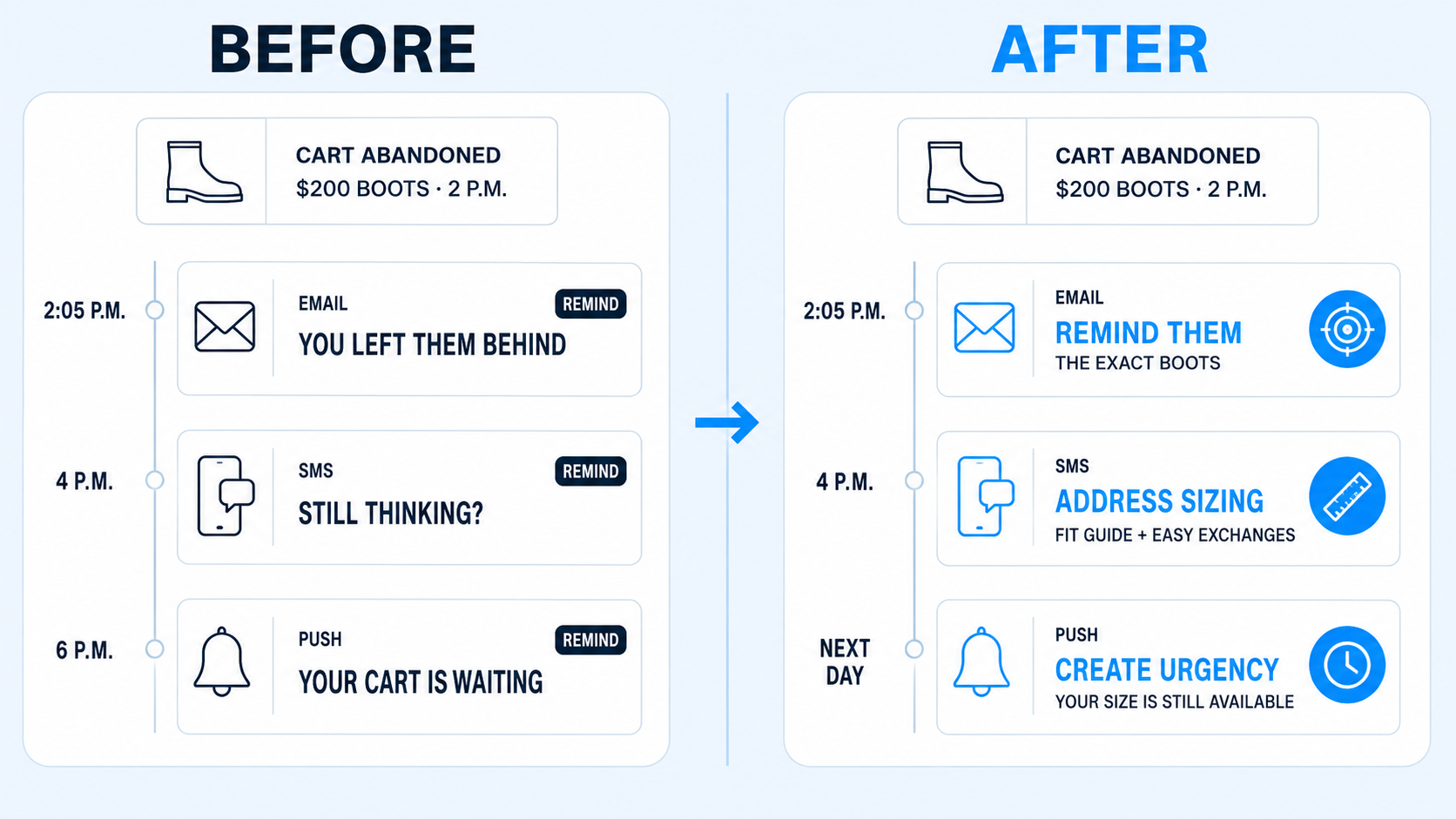
2:05 p.m. → Email: “You left something behind!”
4 p.m. → SMS: “Still thinking it over?”
6 p.m. → Push: “Your cart is waiting.”
Each message makes sense on its own.
Together, they’re three versions of the same reminder.
That repetition creates two problems.
Customers are more likely to tune you out or opt out when every channel keeps asking them to do the same thing.
And you’ve used three opportunities to address why they haven’t finished their purchase without giving them a new reason to do it.
Instead, think of those messages as one sequence.
For the same pair of boots, that could look more like:
2:05 p.m. → Email: Remind them about the exact boots they left behind.
4 p.m. → SMS: “Not sure about sizing?” Link to the fit guide and easy exchanges.
Next day → Push: “Your size is still available.” Bring them directly back to their cart.
The exact messages will depend on your product and customer.
The important part: each one should have a reason to exist after the message before it.
A simple way to check:
If they didn’t act on the last message, what is this one doing differently?
Action Item:
Choose one high-value customer action, like abandoning a cart.
Put every email, SMS, and push message it can trigger on one timeline.
Then ask:
- What is the job of each message?
- If the customer didn’t act on the previous message, what is this one doing differently?
If two messages are doing the same job, don’t automatically remove one. Change the timing or give it a different purpose so the sequence moves the decision forward.